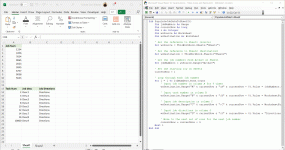
So I wrote a quick code to copy and paste in mass
Sub MassCopyAndPaste()
With Range("A2 10")
10")
.Copy Destination:=.Resize(.Rows.Count * 10)
End With
End Sub
However the next part I am struggling to do after the mass copy and paste has run I need another code that will update column A accordingly such that the Job num from sheet 2 will fill in to each in between tasks 2 and 10,000 I've attached the sheet and added a final solution sheet in the event that my explanation didn't make sense you could see what I was trying to accomplish.
Sub MassCopyAndPaste()
With Range("A2
10").Copy Destination:=.Resize(.Rows.Count * 10)
End With
End Sub
However the next part I am struggling to do after the mass copy and paste has run I need another code that will update column A accordingly such that the Job num from sheet 2 will fill in to each in between tasks 2 and 10,000 I've attached the sheet and added a final solution sheet in the event that my explanation didn't make sense you could see what I was trying to accomplish.